Magic Drawings
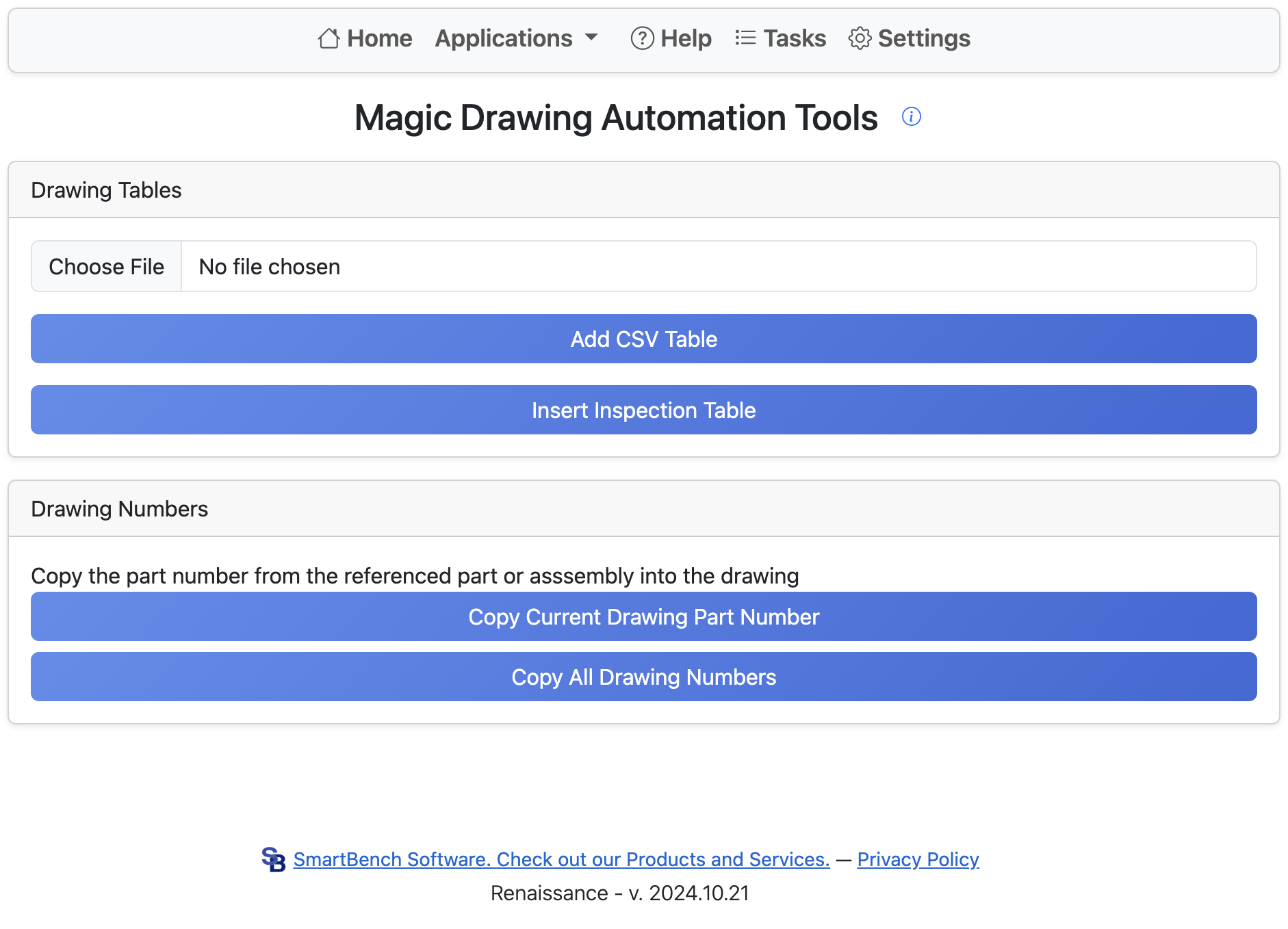
Magic Drawings is a tool that adds additional functionality to Onshape drawings.
Drawing Tables
Clicking Add CSV Table allows you to insert a CSV table into an Onshape drawing. Clicking Insert Inspection Table allows you to insert an inspection table into an Onshape drawing.
Drawing Numbers
Adds the part number from the associated assembly or part to the current drawing. Clicking Copy Current Drawing Part Number copies the part number into the current drawing, whereas clicking Copy All Drawing Numbers performs this process for every tab in the current document.