Multiface DXF
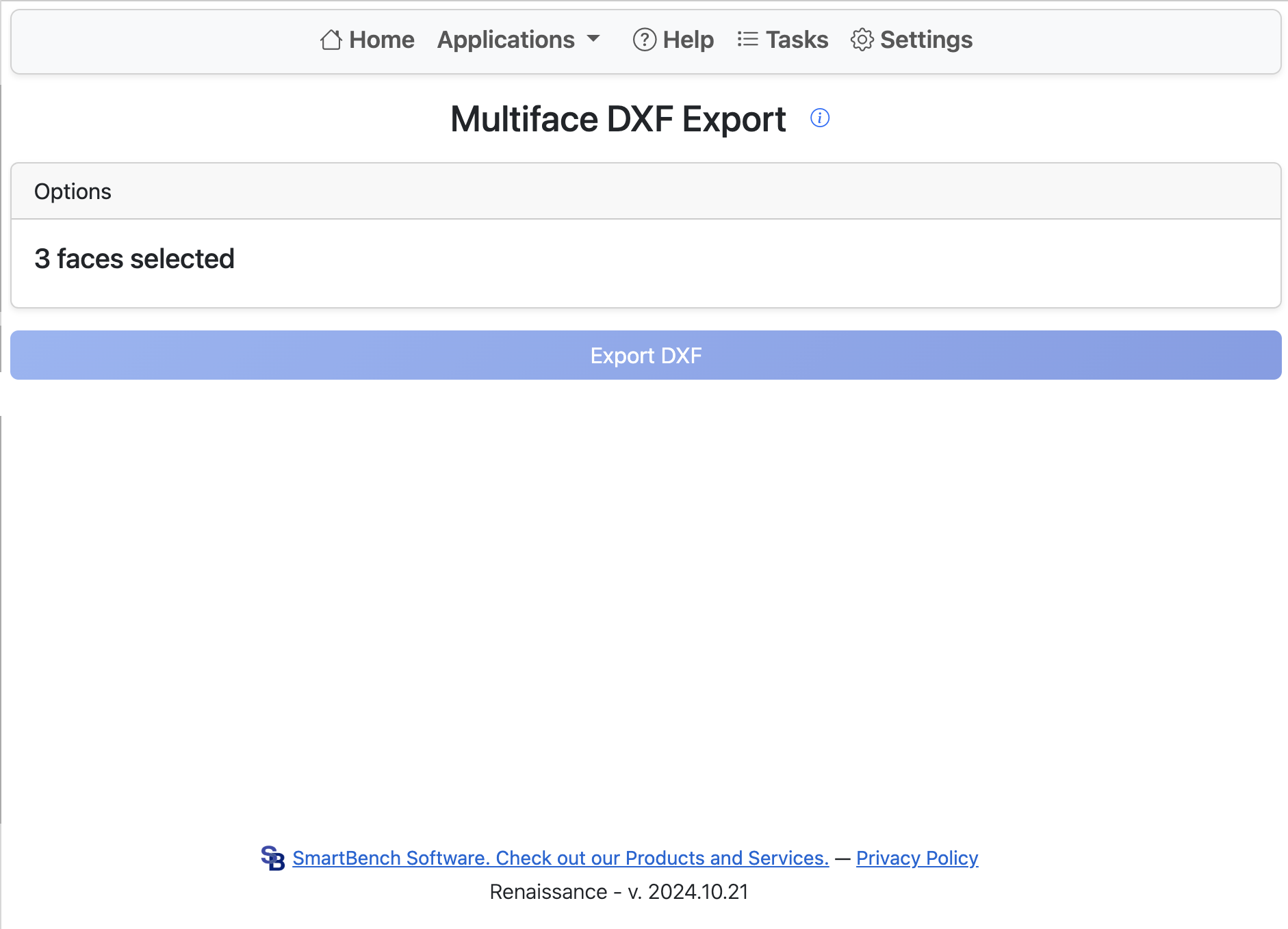
This app allows you to select multiple faces in a Part Studio and export them as a single DXF. This is useful in conjunction with the Auto Layout FeatureScript to export nested shapes.
Once the app is open, select any number of planar faces. Click Export to begin the process.
The first face chosen determines the export viewport. Selecting faces on multiple planes may result in errors or unexpected behavior.
Renaissance returns the DXF file as a browser download.