Configured Drawings
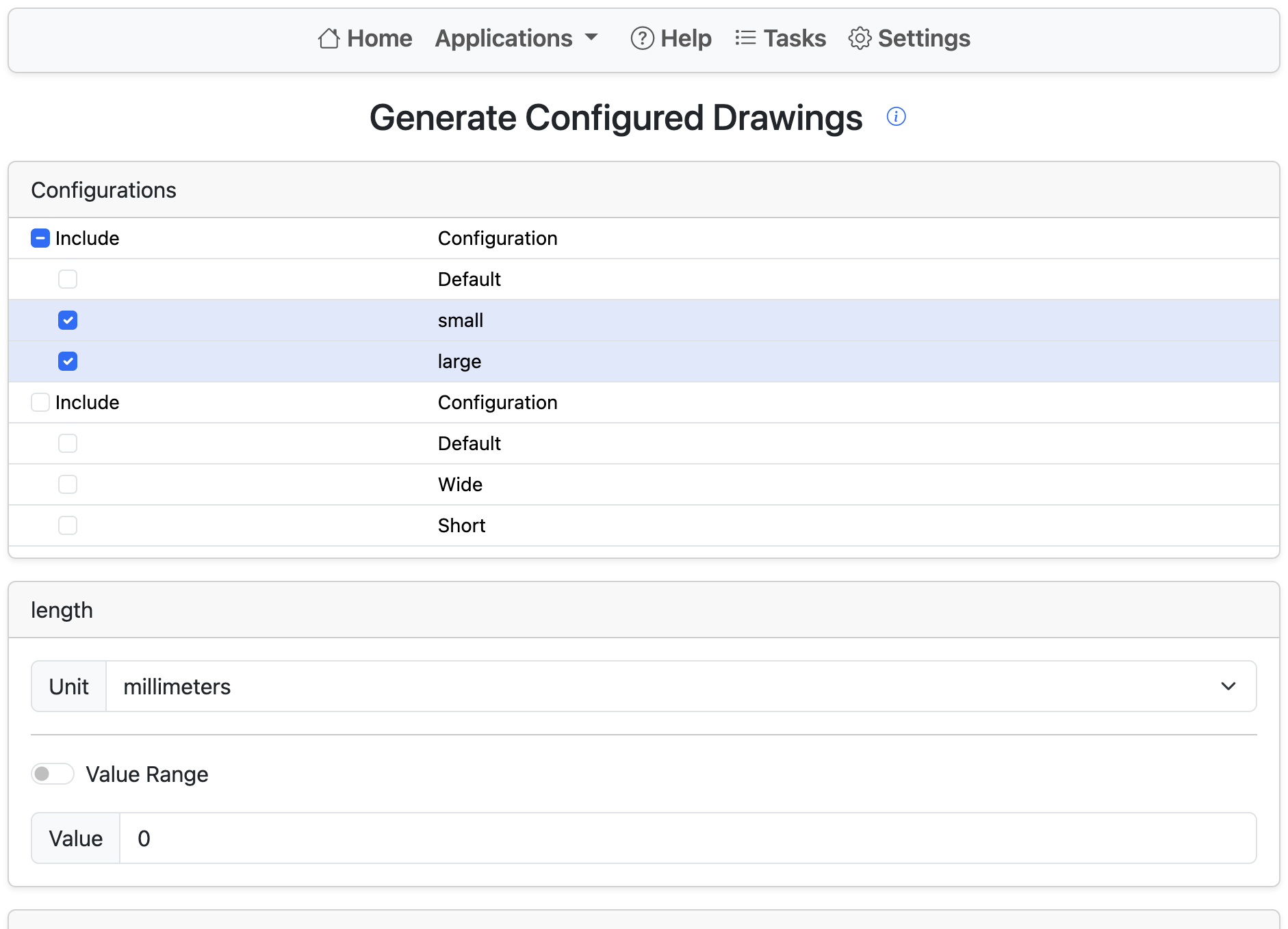
The Configured Drawings tool allows generating configured variations of the current drawing.
Start by creating a drawing containing a view of a single configured part.
Next, select configuration options to generate. Renaissance generates every combination of the selected options. For each selected combination, a duplicate drawing tab is created and each drawing reference is updated with the new configuration. Only configuration references are updated. Drawing views may still need to be moved, and drawing metadata may need updates. The process is equivalent to using right-click Update configuration on each view in the drawing.
This works only on drawings containing a single Part Studio reference.