Publication Updater
This tool allows quickly updating items in a publication to either the latest version or latest revision (release).
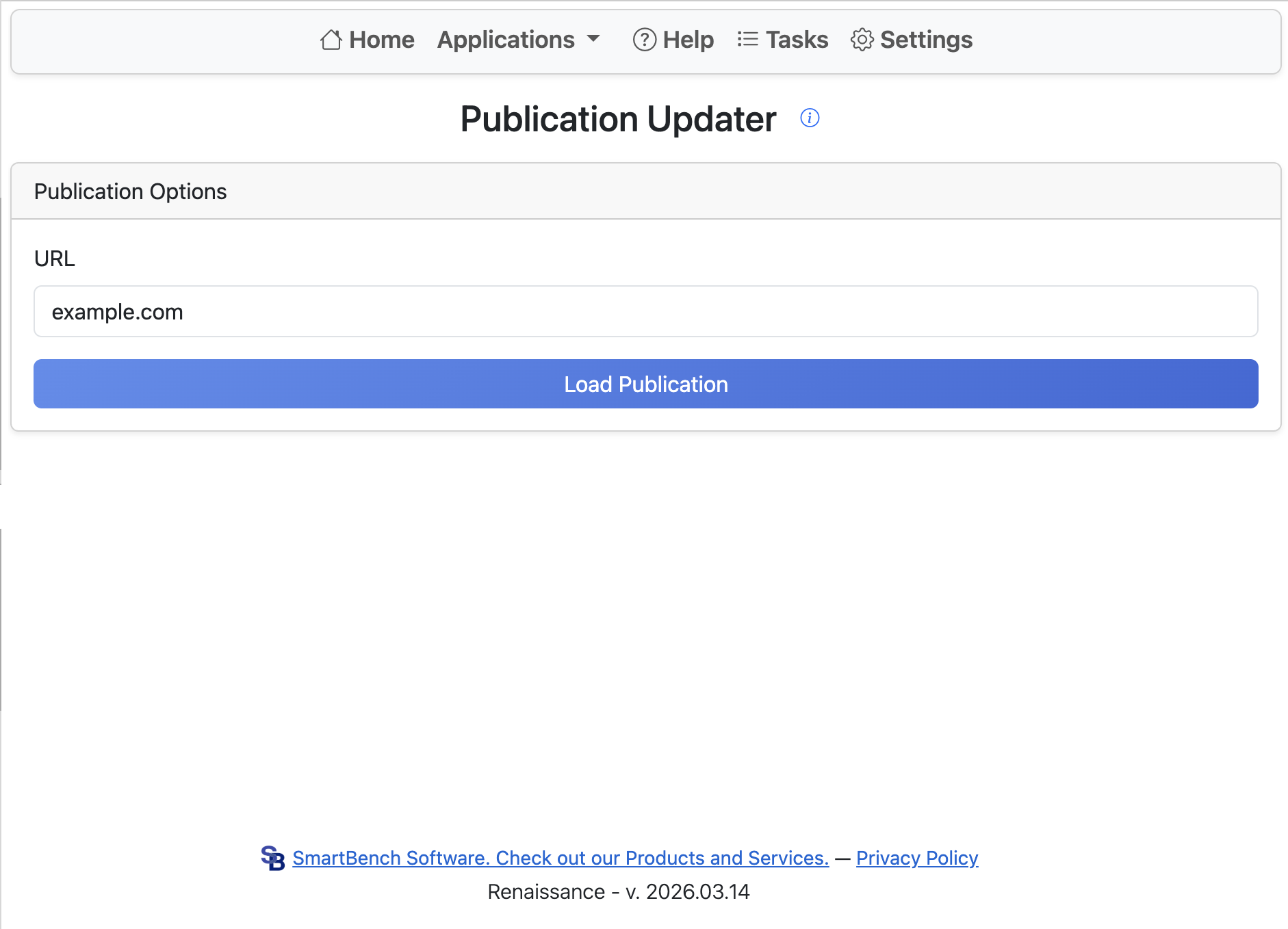
Launch the tool from any normal document context (Part Studio, Assembly, or Drawing). Copy the URL of your publication and click Load Publication. The list of publication items is shown. Select items to update, then click Update to Latest Release or Update to Latest Version.
The latest release option checks the source document and finds the most recently created released version.
This application does not directly update items. Publication items cannot be updated through the API. Instead, the application removes items and inserts them again with the correct URL. Links to specific items may no longer work, and users may see a missing tab message when loading the publication if the tab ID is included in the URL. If only a subset of tabs is updated, tab order will change.